Building My Own Task Manager Instead of Waiting for Things 4
Before Things 3 turns 4 and falls into the subscription-only abyss, I built my own task manager using the vibe coding technique. Here's why and how.

Over the years, I’ve tried my share of task managers. OmniFocus, Things 3, Apple Reminders, to name the main ones. Each had its place.
OmniFocus was powerful, but ultimately too complex for the way I work. Apple Reminders remained my tool for personal tasks. Things 3, on the other hand, became the task manager I used for my digital creative hobbies. It struck a balance that worked well for me: structured, elegant, and not overly demanding.
But there was always a lingering concern in the background. The software industry keeps moving toward subscription pricing, and I strongly suspect that if Cultured Code ever releases a major new version, likely Things 4, it will be subscription-based.
I don’t want that.
That concern, combined with something else, is what led me to build my own task manager. Over the last six months, I’ve accumulated enough vibe-coding experience to start looking for a project that would be both useful and meaningful. Reimagining Things 3 as a web app tailored to my own needs turned out to be exactly that.
This was never about building a one-to-one clone. It was about distilling Things 3 into what felt essential to me, both from a design perspective and in terms of features.
I consider myself a light-to-medium task manager user, especially for my digital hobbies. I don’t need every advanced feature a full-fledged productivity platform can offer. What I need is a system that feels simple, clear, and supportive.
That meant making a few intentional decisions.
I don’t need recurring tasks. My hobbies should not feel like obligations, and I don’t want a task manager that adds pressure where there should be curiosity and momentum. For the same reason, I rarely schedule tasks unless I truly need to.
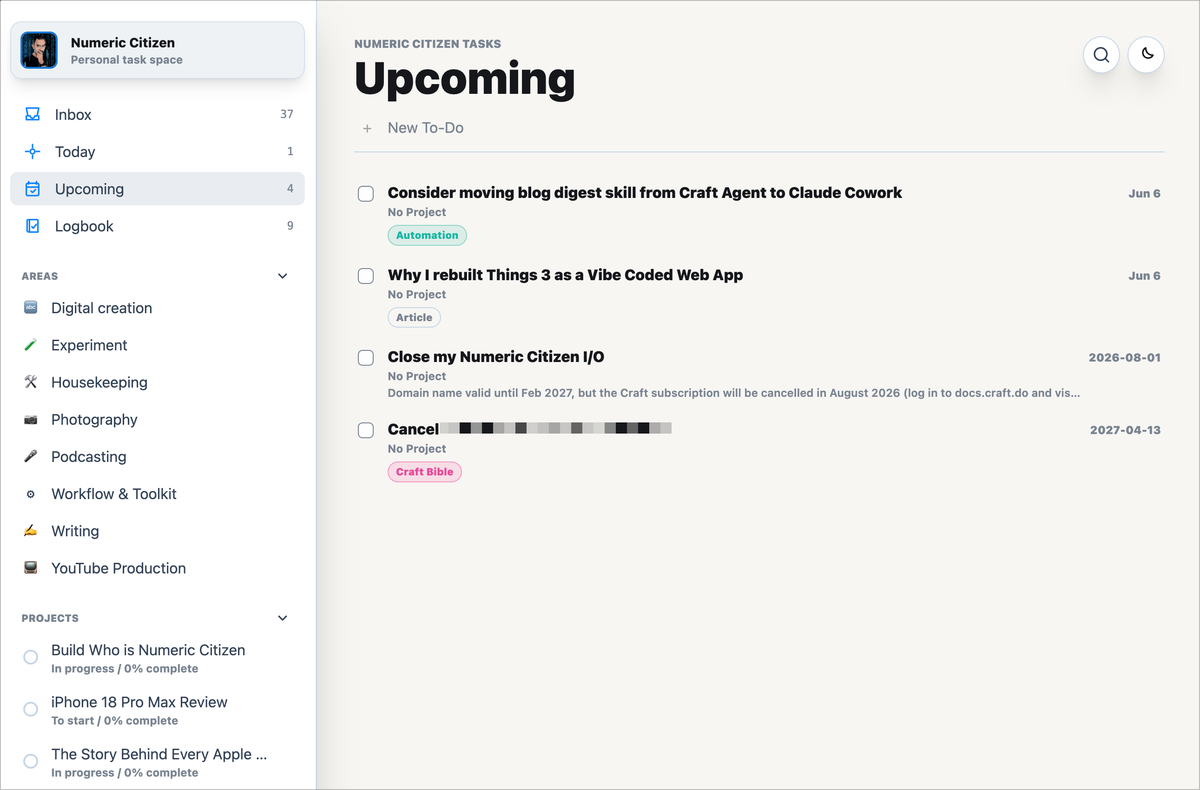
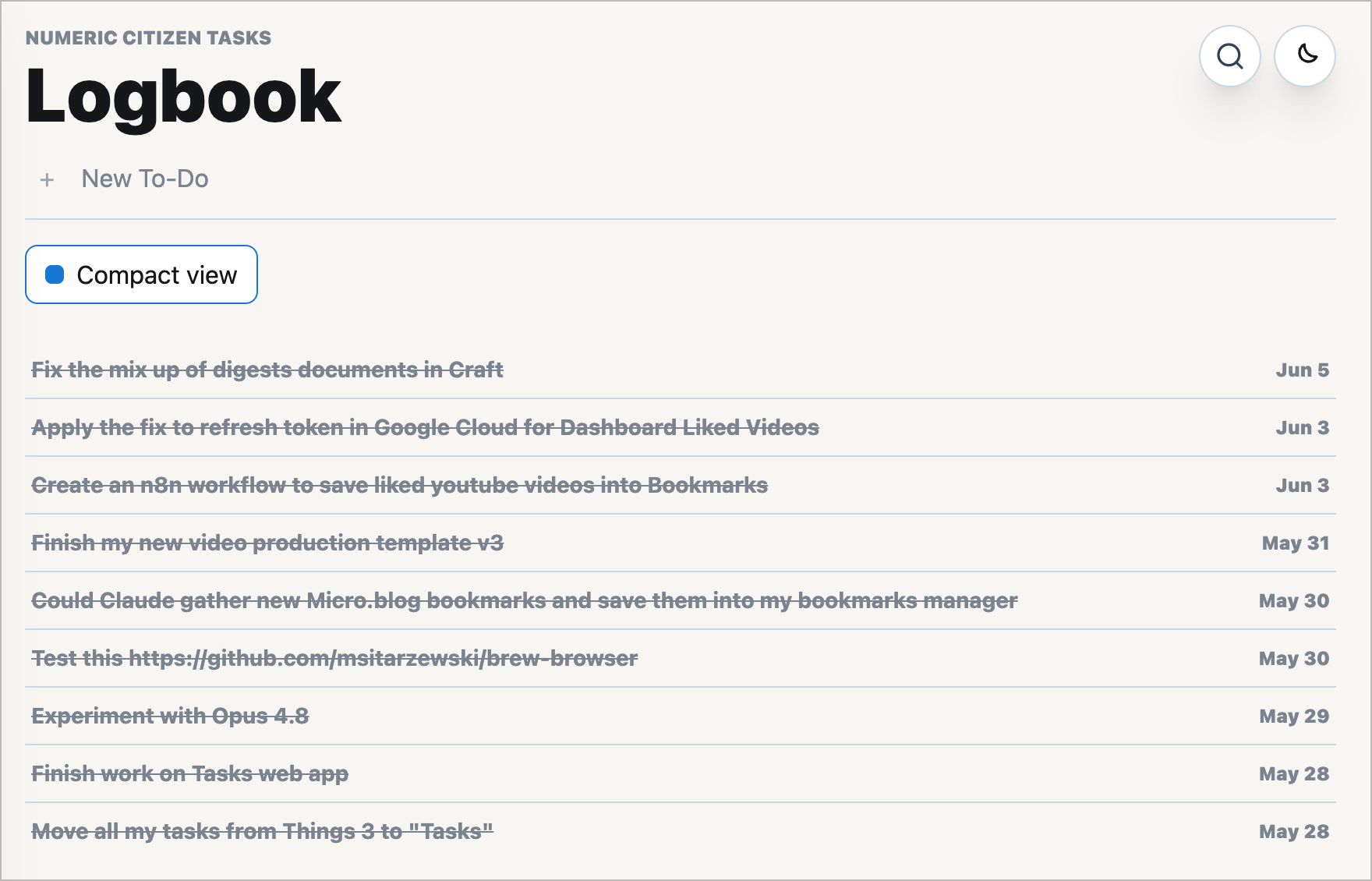
At the same time, there were a few elements I definitely wanted to preserve. The logbook was one of them. I like having a record of what I’ve completed. I also kept the Areas and Projects structure because it maps well to how I naturally organize both personal and professional work. As for smart lists, I chose to keep only what I use most: Today and Upcoming. I never felt the need for more elaborate, tag-based smart lists.
Another part of the equation was the platform itself. For a lightweight task manager, a progressive web app is more than capable today. It runs well on the desktop, on the iPad, and on the iPhone. For this kind of project, that is good enough.
The backend story evolved during development. My initial plan was to use Airtable. On paper, the free tier looked sufficient, with support for a single table of up to 1,000 rows. In practice, the monthly API call limit quickly became a constraint and made certain features impractical. I eventually moved to Neon, a Postgres database available through Vercel’s marketplace, which already powers most of my other web applications.
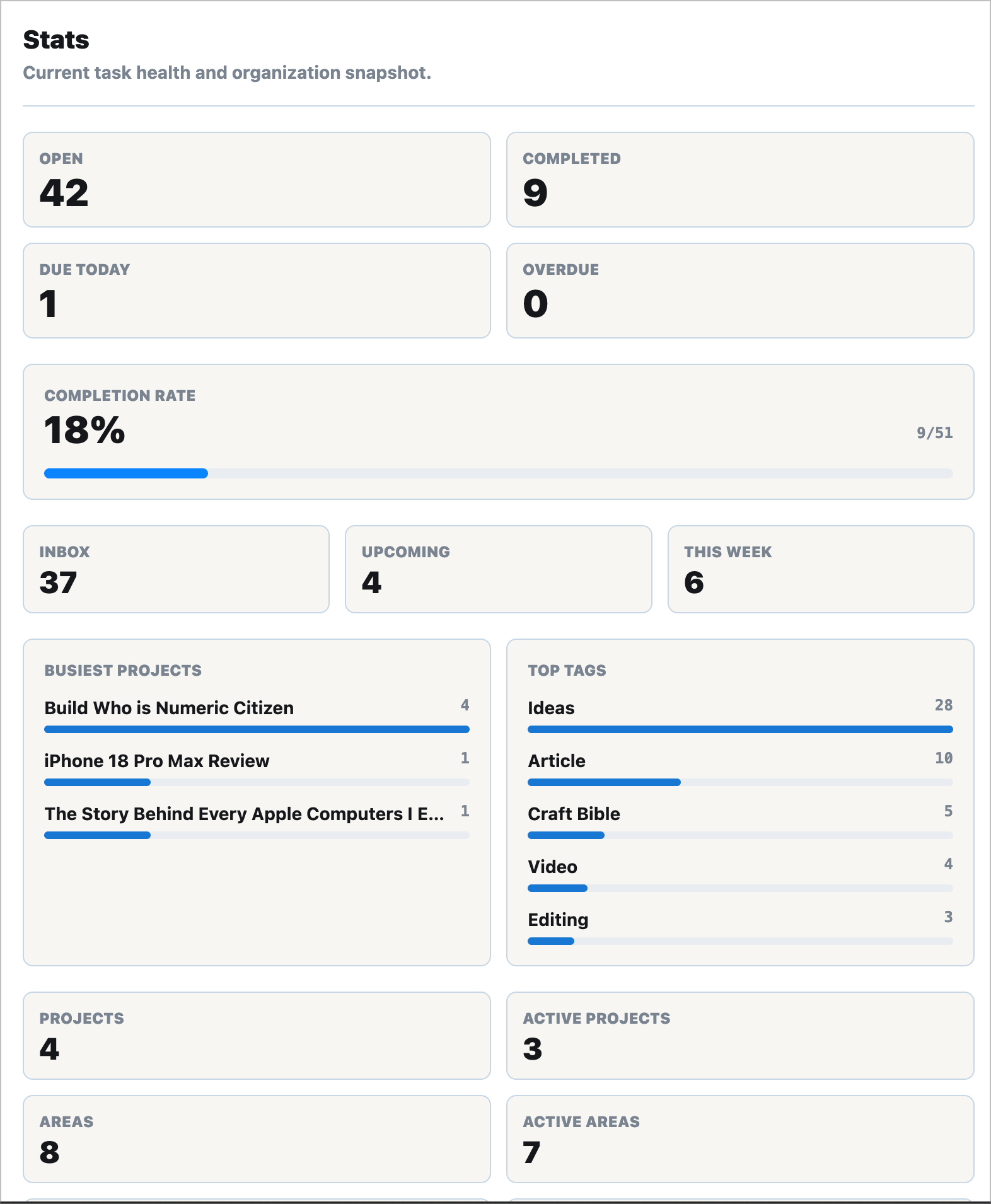
That decision gave the project a more solid foundation.
What makes the app especially interesting to me now is its potential to fit into a broader ecosystem of tools I already use. Upcoming tasks are already surfaced in my dashboard web app, and I’m considering additional integrations, such as creating tasks from my RSS Flow or Bookmarks web apps.
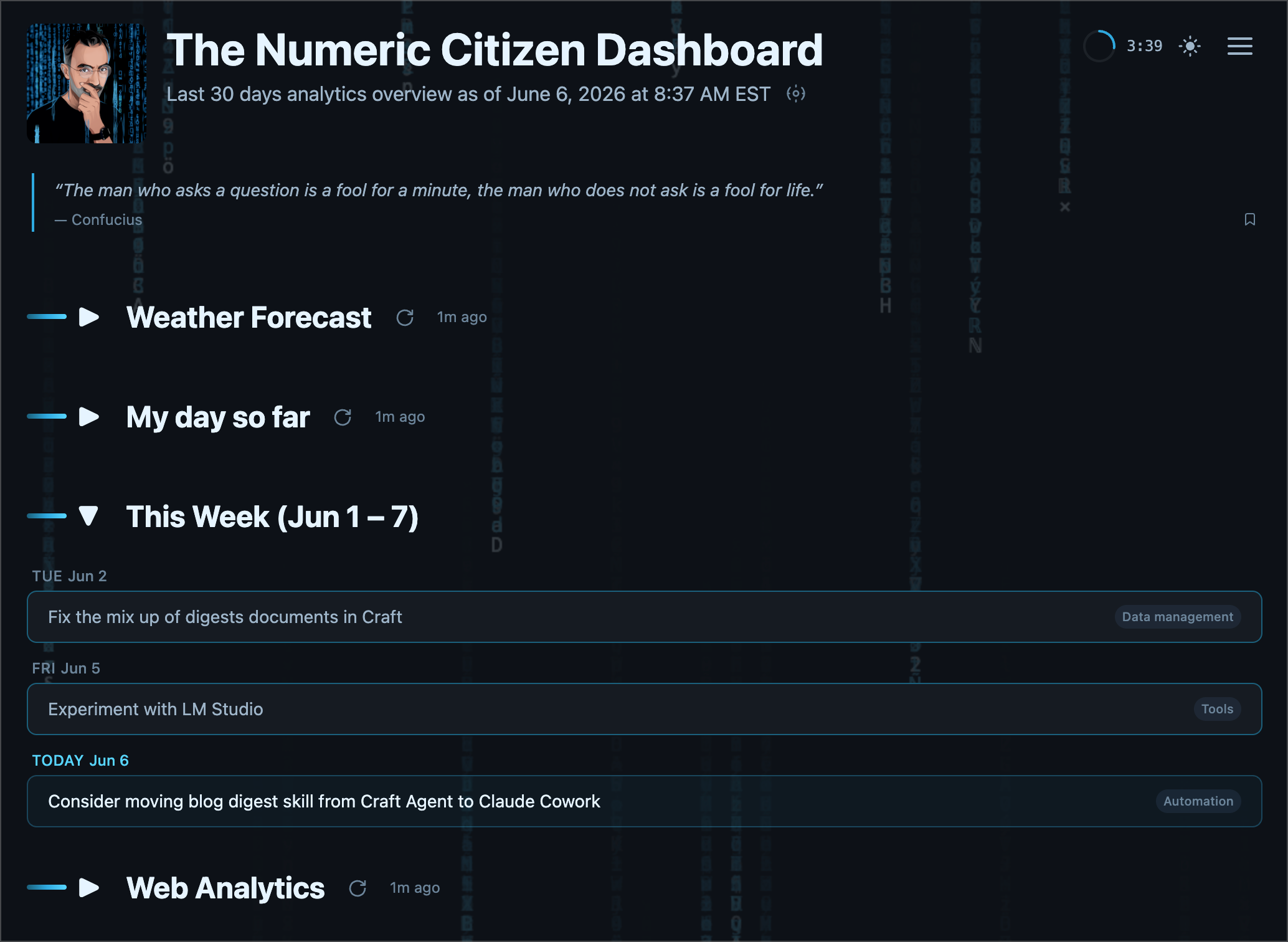
There is still room to expand. A calendar view could be a natural addition. A Kanban view is another possibility. But for now, the core idea is already in place: a task manager that keeps what I value, removes what I don’t need, and fits the way I actually work.
In the end, rebuilding Things 3 as a vibe-coded web app was not really about replacing an app I liked. It was about creating a version of it that feels more sustainable, more personal, and more aligned with my workflow.
Less complexity. Less dependency. More ownership.
The following is a specs overview of the custom-built tasks manager
Numeric Citizen Tasks Manager — An Overview
Numeric Citizen Tasks (URL obfuscated) is a personal, single-user task manager inspired by Things. Built as a modern web app and installable as a Progressive Web App (PWA), it brings a desktop-quality task management experience to any browser.
Core Concept
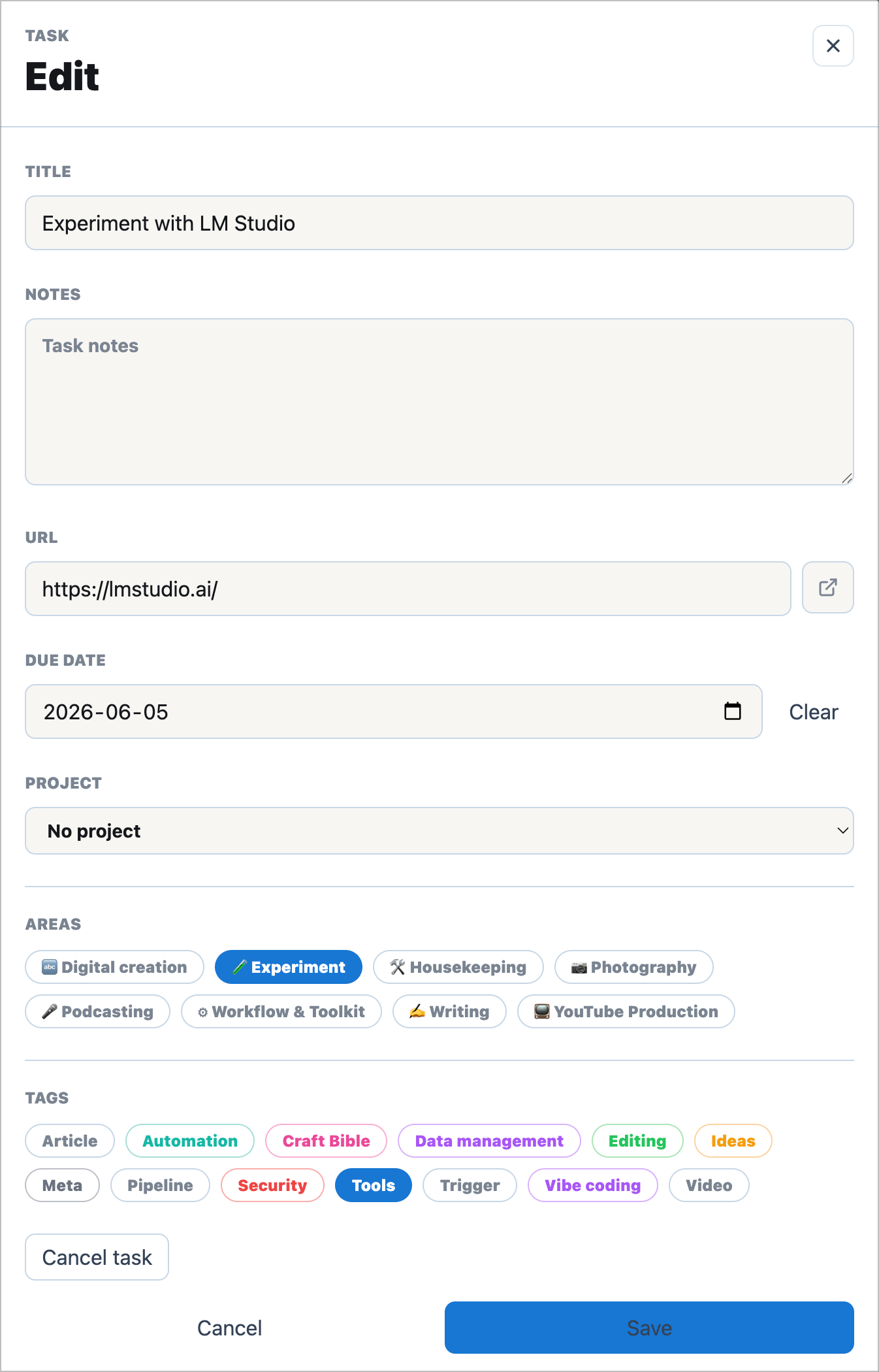
The app organizes tasks into four smart lists: Inbox, Today, Upcoming, and Logbook. They are derived automatically from due dates and completion status rather than manual sorting. Tasks can be grouped into Areas (top-level life categories) and Projects (state-tracked containers with progress percentages), and labeled with color-coded tags for quick visual scanning.
Technology Choices
The stack is entirely modern and production-grade: Next.js 16 with the App Router, React 19, TypeScript, and Tailwind CSS v4 for styling. Data lives in a Neon Postgres database, with all database calls kept server-side so credentials never reach the browser. The app is hosted on Vercel with automatic SSL and continuous deployment from GitHub.
A notable design choice is the dual runtime mode: the app runs fully against a live Postgres database in production, but gracefully falls back to built-in sample data when no database is configured, making it easy to demo or explore without any setup.
User Experience
The interface is clean and keyboard-friendly. A Cmd+K global search overlay surfaces tasks instantly, and URL-driven navigation means every view (including individual areas and projects) has its own bookmarkable, shareable link. The sidebar is resizable and collapsible, and both the edit and admin panels resize on desktop. A light/dark theme toggle is persisted locally.
The PWA shell is cached by a custom service worker, enabling fast app loads and offline access to the interface, while task data itself always stays fresh from the network.
Design Principles
A few deliberate decisions stand out:
- Smart lists are derived, not stored. Inbox, Today, and Upcoming membership is computed from task fields, keeping the data model clean.
- State lookup tables for tasks and projects allow custom workflow states to be added later without changing the database schema.
- IDs in URLs, not names. Renaming an area or project never breaks existing bookmarks or links.
- Single-password authentication via an environment variable keeps the app private with minimal complexity.
Scale & Target Audience
Designed for one person. The app comfortably handles hundreds of tasks within Neon's free tier — no over-engineering, just a focused, well-crafted tool for personal productivity.